Best Dietitian Software for Meal Planning
The best dietitian software saves 30–60 minutes per client meal plan without compromising clinical quality. Here's how to choose the right meal planning tool for your practice.

Most registered dietitians and nutritionists spend 30 to 60 minutes creating a single meal plan by hand. Between calculating macros, finding appropriate recipes, adjusting portion sizes, checking for allergens, and formatting the document, the mechanical work consumes hours that could go toward patient care, consultations, or growing your practice.
Meal planning software automates the repetitive parts of this process while keeping you in full clinical control. This guide covers why dietitians specifically benefit from dedicated software, which features matter most, how it compares to spreadsheets and consumer apps, and how to choose the right platform for your practice.
Why Can't Dietitians Just Use Spreadsheets or Consumer Apps?
Because dietitians need clinical-grade nutritional accuracy, allergen filtering that doesn't miss anything, and professional output that matches the quality of their clinical expertise. Generic tools create gaps that cost time and credibility. Here's what dedicated software actually solves:
Accurate nutritional calculations. Every recipe swap triggers automatic macro recalculation. No more checking formulas in a spreadsheet every time you change a single ingredient.
Clinical dietary filtering. Filter recipes by allergens, intolerances, and dietary preferences in seconds. Manually cross-referencing a recipe database for a gluten-free, dairy-free, high-protein plan is the kind of tedious work that burns out good clinicians.
Professional, branded output. Your clients and patients deserve polished meal plans with your practice logo, not a raw spreadsheet export. White-label PDF generation shows clients you take the details seriously.
Scalable caseload management. Private practice dietitians often carry 30-80 active clients. Creating individualized plans manually for that volume is unsustainable. Software makes it possible without sacrificing personalization.
Grocery lists that improve adherence. Automatically generated shopping lists grouped by aisle reduce friction for clients. Less friction means better compliance, which means better outcomes.
What Features Should Dietitians Look for in Meal Planning Software?
Dietitian meal planning software needs six core features: a verified recipe database, automatic macro targeting, dietary restriction filtering, white-label PDF export, a client portal, and shopping list generation. Consumer apps like MyFitnessPal or Eat This Much solve different problems. Here's why each feature matters:
Dietitian-crafted recipe database
Your recipes need verified nutritional data you can trust for clinical recommendations. Look for databases with 1,000+ recipes that include per-serving calorie and macro breakdowns, not user-submitted entries with unverified data. Quality and verification matter more than sheer volume.
Automatic macro and calorie targeting
Set your client's calorie target and macro ratio, and the software should adjust recipe portions automatically to hit those numbers. This eliminates the most time-consuming part of manual plan creation.
Advanced dietary restriction filtering
Beyond basic filters (vegetarian, vegan), you need allergen exclusion (nuts, shellfish, soy), dietary preference support (low-sodium, high-protein, low-carb), and the ability to exclude specific ingredients per client.
White-label PDF export
Every meal plan should carry your practice name, logo, and brand colors. Clients associate the plan with your expertise, not with a third-party software tool. This is especially important for dietitians in private practice who charge premium consultation fees.
Client portal with mobile access
A branded portal where clients log in to view their meal plan, browse recipes, and access their grocery list. This reduces email back-and-forth and gives clients a modern experience that reflects well on your practice.
Shopping list generation
Automatic grocery lists consolidated across all meals for the week, organized by store section. This feature alone can improve client adherence rates. When shopping is easy, people stick to the plan.
What Is the Best Dietitian Meal Planning Software in 2026?
Eight platforms handle the bulk of dietitian meal planning in 2026: Promealplan, That Clean Life, Nutrium, Practice Better, Foodzilla, NutriAdmin, Healthie, and Evolution Nutrition. Each solves a different slice of the problem. Below is an honest breakdown of what each does well, where it falls short, and what you'll actually pay.
| Platform | Best for | Recipes | White-label | Client portal | From |
|---|---|---|---|---|---|
| Promealplan | White-label delivery + coaching teams | 1,000+ (dietitian-crafted) | All plans | Yes (branded) | Free |
| That Clean Life | Largest recipe library | 8,000+ (dietitian-crafted) | Plus only ($60/mo) | No | $30/mo |
| Nutrium | Clinical nutrition + telehealth | Community + custom | No | Yes (Nutrium-branded) | $25/mo (annual) |
| Practice Better | Full EHR/practice management | Limited (add-on) | Portal only | Yes (full EHR) | $25/mo (annual) |
| Foodzilla | Budget-friendly with custom app | 800+ (dietitian-crafted) | Professional ($35/mo) | Yes (branded) | $17/mo (annual) |
| NutriAdmin | All-in-one for international dietitians | 700+ (curated, USDA-verified) | All paid tiers | Yes (branded portal) | $39/mo |
| Healthie | US telehealth + nutrition platform | Limited (focus on charting) | Group plan ($129/mo) | Yes (Healthie-branded) | Free (1 client) |
| Evolution Nutrition | US RDs and fitness-focused dietitians | 700+ (RD-built menus) | Pro plan ($49/mo) | Yes (client app) | $29/mo |
Pricing reflects the lowest-tier paid plan listed publicly on each vendor's site as of May 2026. Annual discounts vary. Client volume caps and feature gates apply at lower tiers.
That Clean Life — Biggest Recipe Library, No Client Portal
Screenshot captured April 2026.
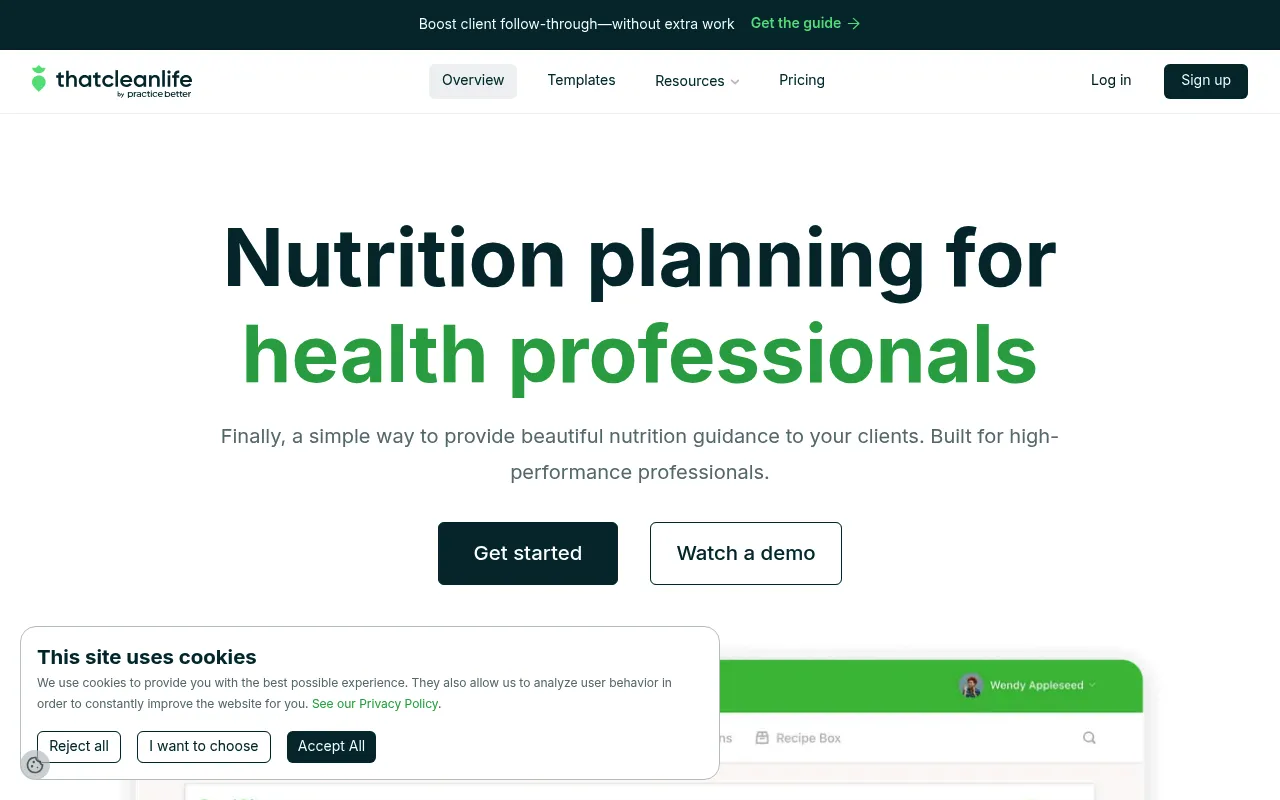
That Clean Life is the recipe volume leader with 8,000+ dietitian-crafted recipes. If your practice regularly needs unusual combinations (e.g., anti-inflammatory + low-FODMAP + nut-free), a larger database reduces the chances of a dead-end search. The Starter plan ($30/mo) covers unlimited meal plans and grocery lists.
The gap: there's no client portal. Plans are delivered as PDFs via email. And white-label branding requires the Plus plan at $60/mo. If you want your logo on every plan you send, that's the real cost of entry. There's also no free tier to test with real client scenarios.
Best for: Solo dietitians who need maximum recipe variety and are fine with PDF-only delivery. Read the full That Clean Life review or see how it compares to Promealplan.
Nutrium — Clinical Practice Management with Built-in Telehealth
Screenshot captured April 2026.
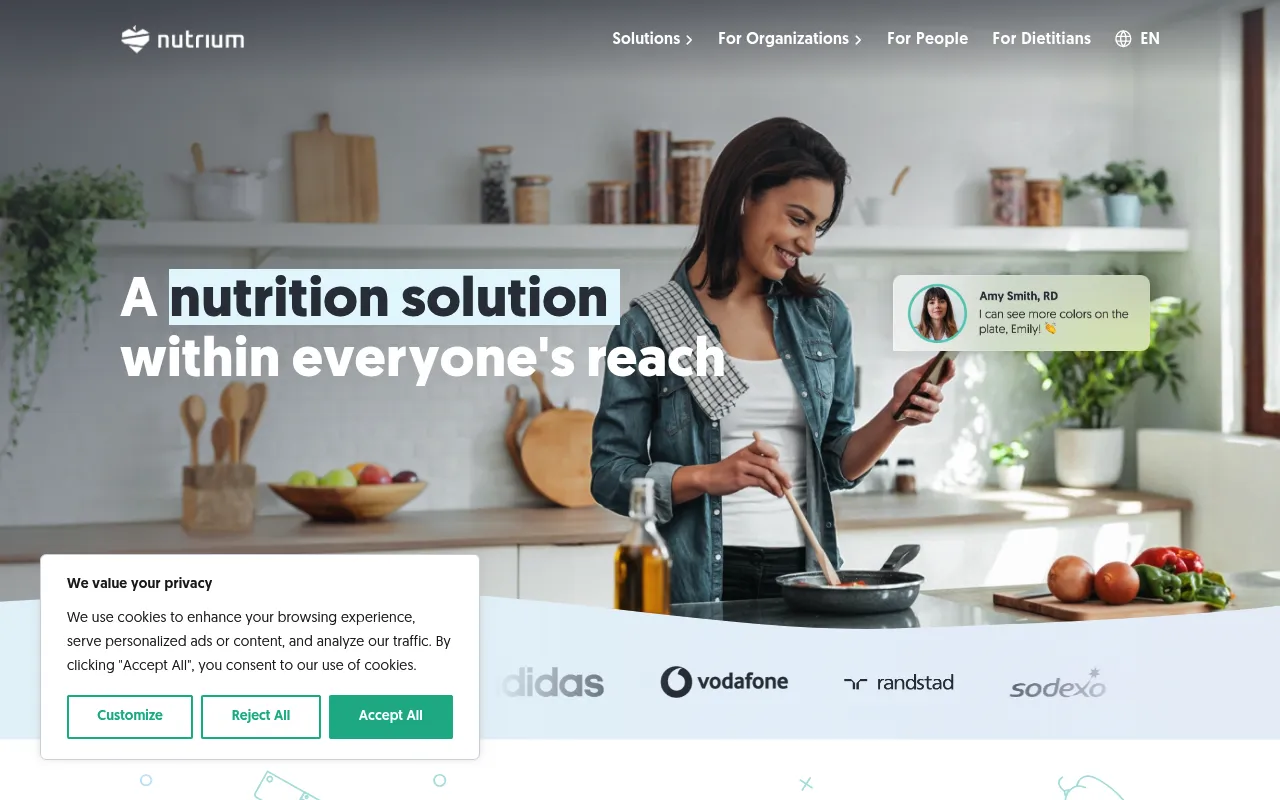
Nutrium is more than meal planning — it's a clinical nutrition platform with scheduling, telehealth, assessments, body composition tracking, and invoicing. Both plans include all features; the only difference is client volume (10/month on the lower tier, unlimited on the higher). At $25/mo annually for unlimited clients, it's competitively priced.
The tradeoff: Nutrium's recipe database relies heavily on community submissions and your own custom entries. There's no curated, dietitian-verified recipe library comparable to That Clean Life or Promealplan. And there's no white-label branding — every client sees the Nutrium name on their portal and documents.
Best for: Clinical dietitians who want one platform for everything — telehealth, assessments, meal planning, and invoicing — and don't need white-label branding. Read the full Nutrium review or see how it compares to Promealplan.
Practice Better — Full EHR Where Meal Planning Is an Add-on
Screenshot captured April 2026.
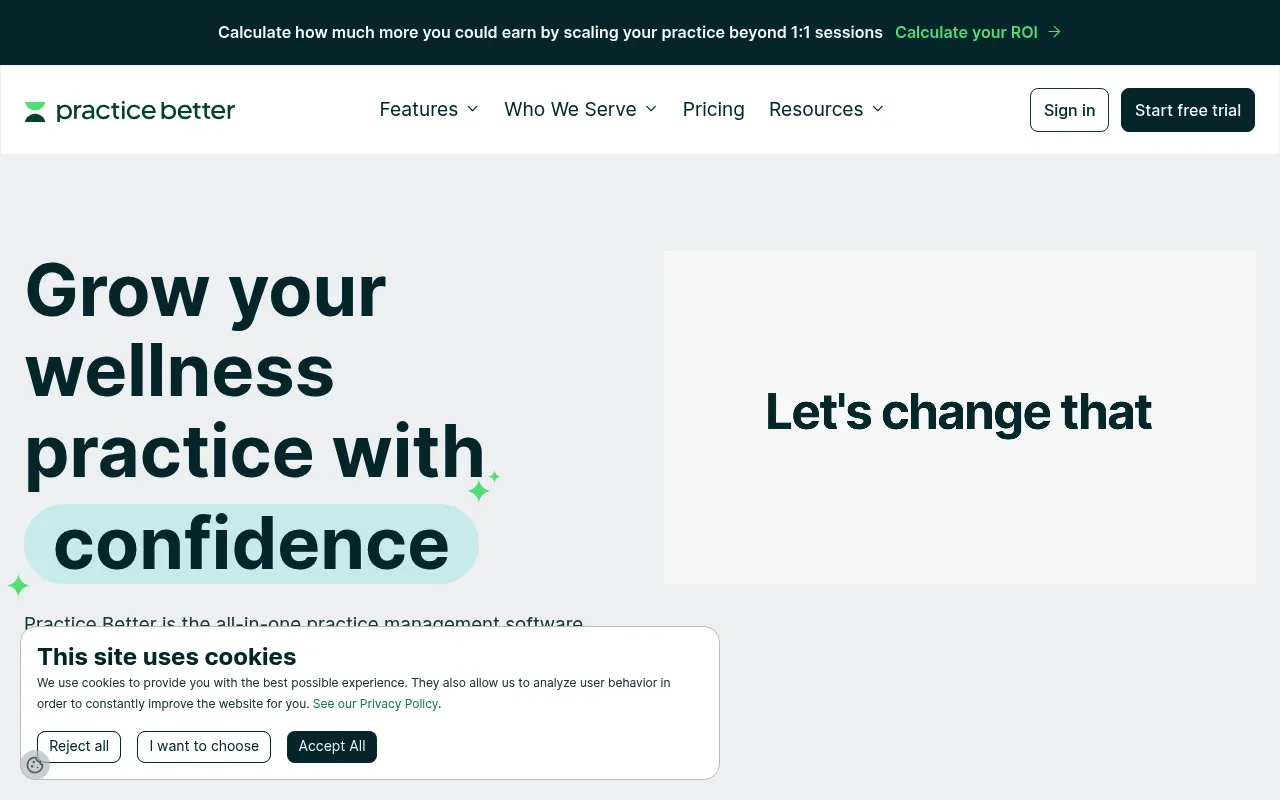
Practice Better is the most comprehensive practice management tool on this list — scheduling, charting, SOAP notes, protocols, packages, billing, and a client portal. If you're running a multi-disciplinary practice or need EHR-level documentation, nothing else here comes close. Five tiers from Free (3 active clients) to Team ($155/mo).
The catch: meal planning is not Practice Better's strength. The built-in recipe library is limited, and most nutritionists on Practice Better use That Clean Life as an add-on ($30-60/mo extra). That means a Professional plan ($69/mo) plus That Clean Life ($60/mo) = $129/mo for the full stack. That's significant if meal planning is your core workflow.
Best for: Health professionals who need a full EHR first and meal planning second. Not the right fit if meal plan creation is your primary daily task. Read the full Practice Better review or see how it compares to Promealplan.
Foodzilla — Budget-Friendly with a Custom-Branded App
Screenshot captured April 2026.
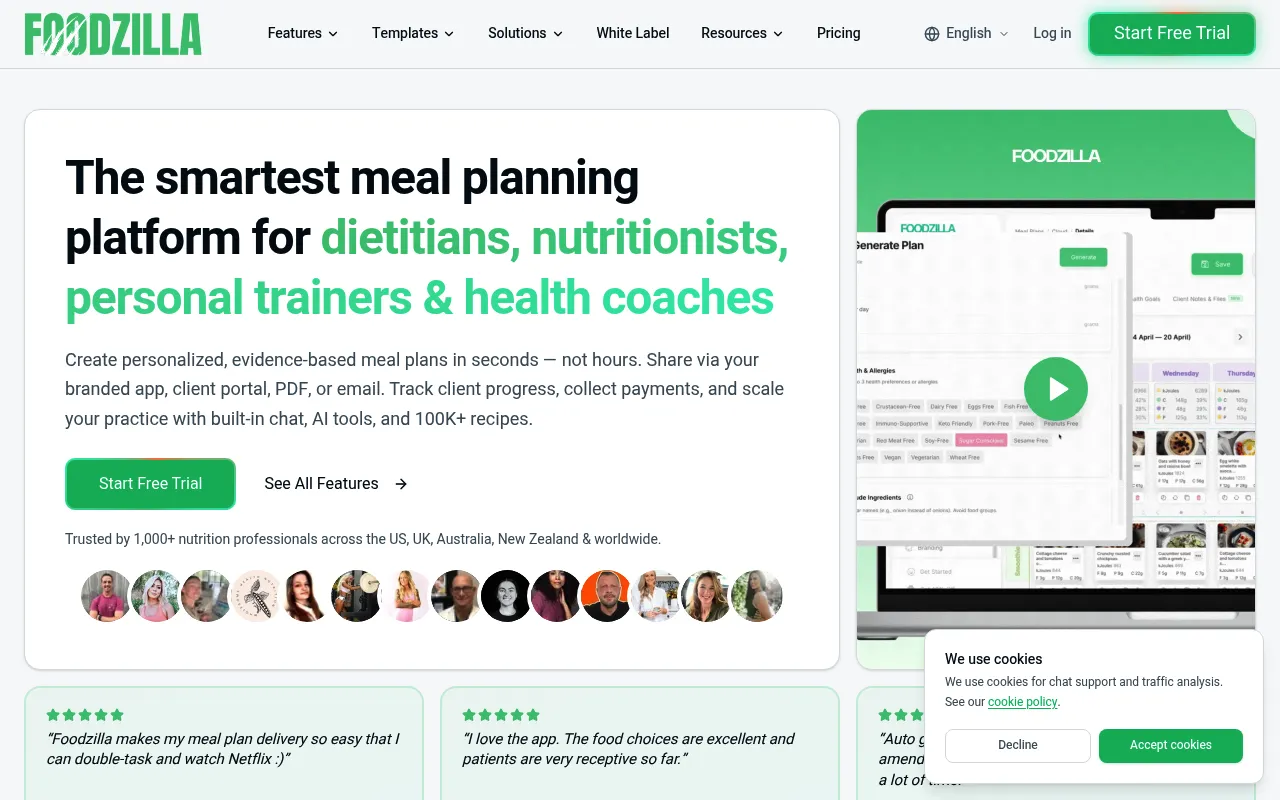
Foodzilla's standout feature is the Professional plan ($35/mo annual): a custom-branded mobile app published to the App Store and Google Play under your business name, with PDF generation in 11 languages. That's stronger white-labeling than most competitors at this price. The recipe database has 800+ dietitian-crafted entries.
The downside is the client-based pricing. The Starter plan caps at 5 active clients, and each additional 5-client block costs $4/mo. A dietitian with 15 clients pays $23 + $8 in add-ons, at which point the Professional plan at $35/mo is the better deal. White-label is locked to the Professional tier.
Best for: Solo practitioners who want their own branded app without enterprise pricing. Watch the per-client costs on lower tiers. Read the full Foodzilla review or see how it compares to Promealplan.
NutriAdmin — All-in-One Practice Suite for International Dietitians
Screenshot captured April 2026.
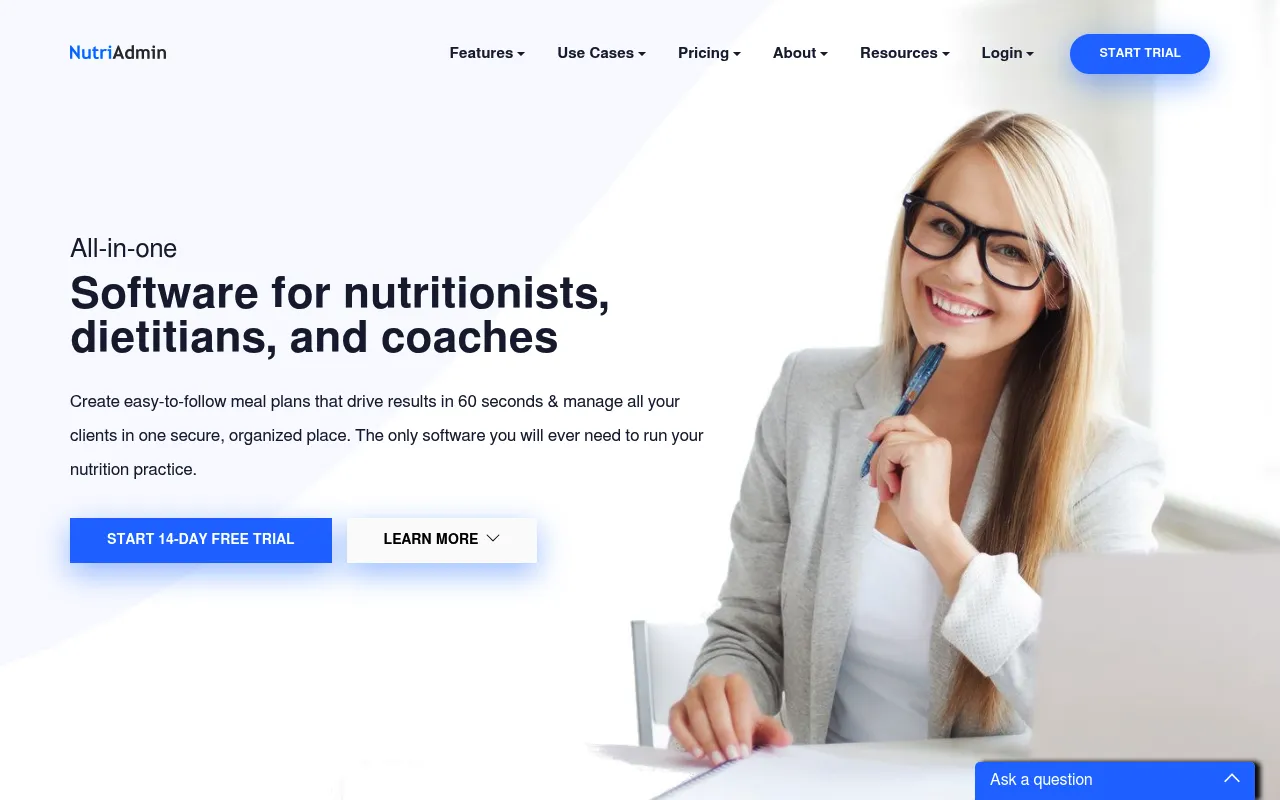
NutriAdmin is a UK-built platform that's quietly become popular with private-practice dietitians across Europe, Australia, and Canada. It bundles meal planning with intake forms, body composition tracking, appointment booking, secure messaging, and invoicing. The recipe database has roughly 700 entries with USDA-sourced nutritional data, and you can add your own without limit.
The standout feature is the questionnaire builder. You can create custom intake forms (food frequency, lifestyle, medical history) and have the responses flow into the client record automatically. White-label branding (your logo, custom colors, your domain on emails) ships on every paid tier starting at $39/mo. Trustpilot reviews are consistently strong, especially on responsive support.
The tradeoff: meal plan generation is functional but less polished than dedicated meal planning tools. The recipe filtering is basic compared to That Clean Life or Promealplan, and macro-targeting works but doesn't auto-adjust portions as cleanly. If meal planning is 80% of your day, NutriAdmin is overkill for the meal planning piece and underpowered for it at the same time.
Best for: Solo dietitians outside the US who want one tool for forms, scheduling, billing, and basic meal planning. Read the full NutriAdmin review or see how it compares to Promealplan.
Healthie — Telehealth-First Platform Built for US RDs
Screenshot captured April 2026.
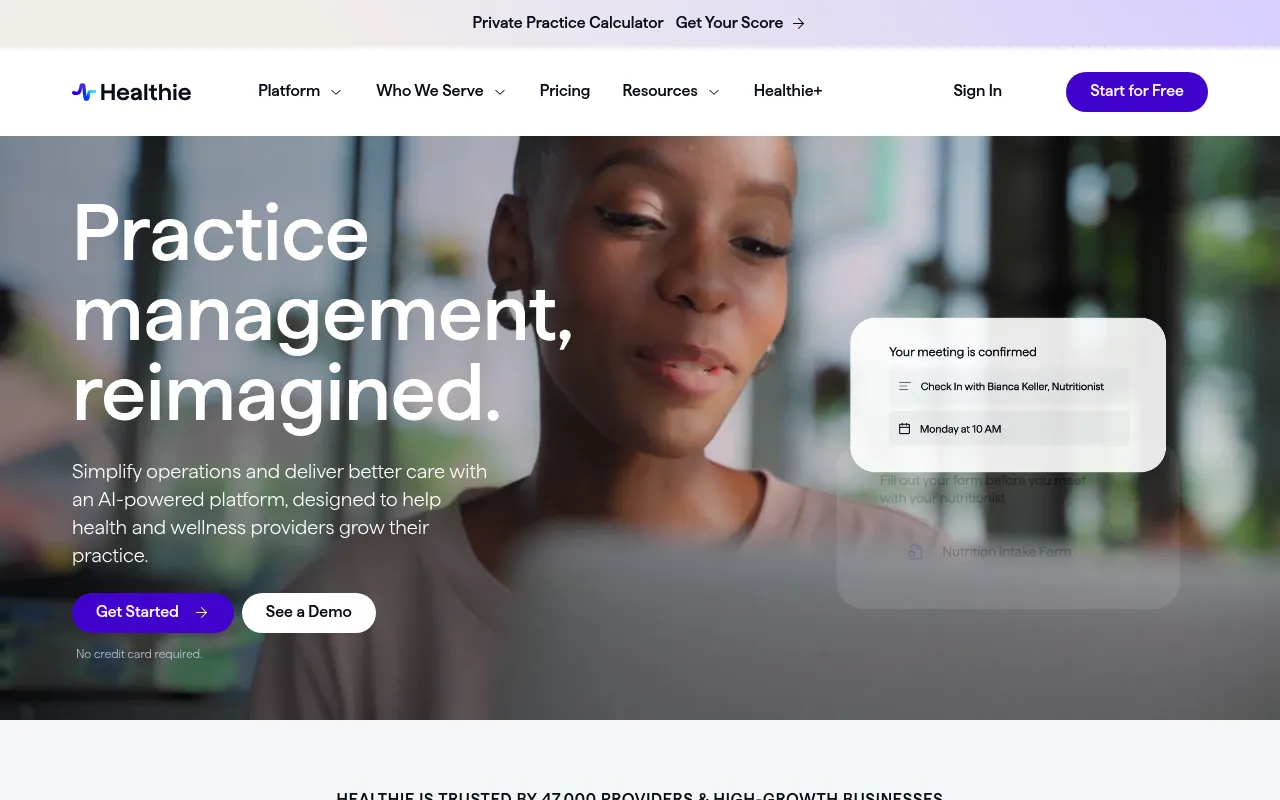
Healthie is a US-focused telehealth and EHR platform popular with registered dietitians who do insurance-based work. HIPAA-compliant video sessions, charting, scheduling, online payments, e-fax, superbills, and a branded client mobile app — Healthie covers the operational side of an RD practice well. There's a free tier (1 active client) and paid plans starting at roughly $45/mo per provider.
The meal planning piece is the weakest part of the platform. Recipes are limited, the planning interface feels bolted-on, and most Healthie users we've seen on Trustpilot and Reddit pair it with a dedicated meal planning tool. White-labeling the client app requires the Group plan at around $129/mo per provider, which puts the fully-branded experience out of reach for many solo practitioners.
Best for: US RDs who run insurance-billing telehealth practices and need HIPAA-compliant infrastructure first, meal planning second. Read the full Healthie review or see how it compares to Promealplan.
Evolution Nutrition — Longstanding Choice for US Fitness-Focused RDs
Screenshot captured April 2026.
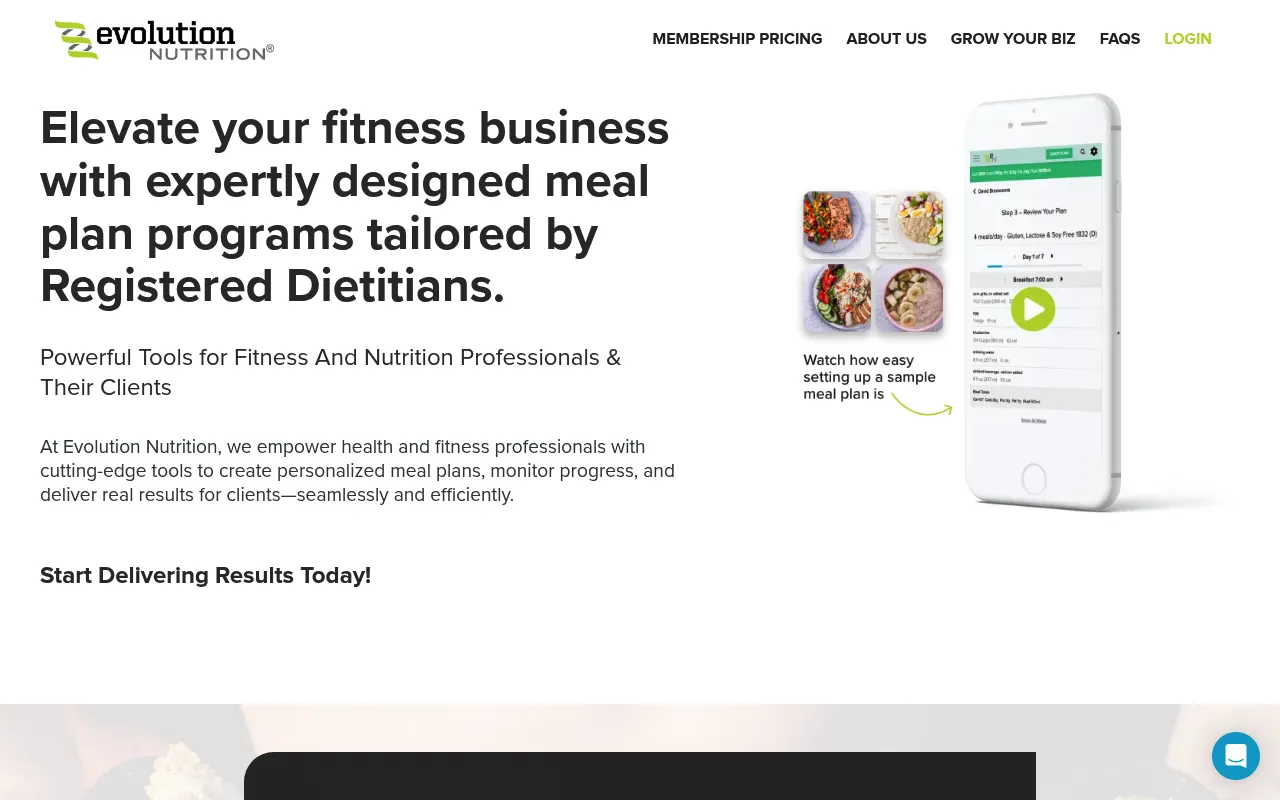
Evolution Nutrition has been around since 2010 and built a loyal base among US registered dietitians who work alongside fitness professionals. The platform ships with 700+ RD-built menu templates (weight loss, sports performance, body recomposition, plant-based), a client mobile app, and macro-targeting that automatically scales portions to hit your client's daily numbers.
Plans start at $29/mo for individual practitioners. White-label (your logo on meal plans and the client app) unlocks at the Pro tier ($49/mo). The platform's biggest strength is depth in sports nutrition templates — pre-built plans for hypertrophy, endurance, cutting, and weight class athletes that you can hand off and tweak rather than building from scratch.
The dated parts show up in the interface and the recipe library, which leans heavily on traditional American menus and hasn't kept pace with the global flavor variety you'll find in That Clean Life or Promealplan. International cuisine, plant-forward options, and modern dietary patterns (low-FODMAP, anti-inflammatory) are thinner.
Best for: US RDs working with athletes, bodybuilders, or fitness clients who want proven sports nutrition templates and don't need a modern global recipe library. Read the full Evolution Nutrition review or see how it compares to Promealplan.
Promealplan — White-Label on Every Plan, Including the Free Tier
Screenshot captured April 2026.
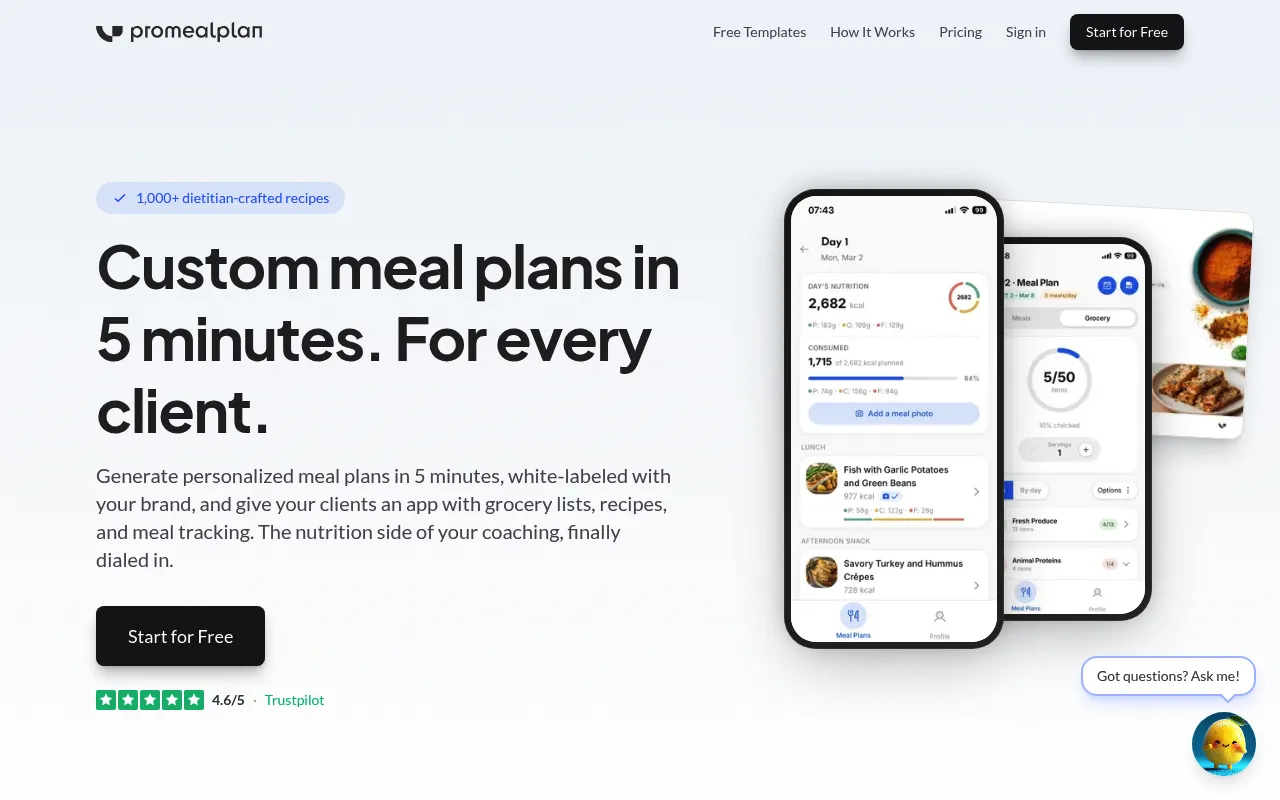
Promealplan is the only platform on this list where every meal plan goes out under your brand — even on the free tier (neutral branding, no "Promealplan" watermark). Paid plans ($49-149/mo) add your custom logo, colors, and a branded client portal where patients access plans, recipes, and grocery lists.
The recipe database has 1,000+ dietitian-crafted entries with verified per-serving macro breakdowns. Recipes are created by human dietitians, not generated by AI — when a recipe says 35g of protein per serving, that number comes from real measurements, not a language model guessing. The platform also supports 3 languages (English, French, Spanish) and offers team seats on higher plans for coaching businesses.
The honest limitation: Promealplan doesn't do telehealth, scheduling, or EHR. It does one thing — meal plan creation and delivery — and does it well. If you need a full practice management suite, you'll pair it with something like Practice Better or Healthie. If your daily bottleneck is building and delivering branded meal plans, that's what Promealplan solves. Learn more about Promealplan for nutrition professionals.
How Much Does Dietitian Meal Planning Software Cost?
Pricing for dietitian software ranges from free to $299/mo depending on features, client volume, and branding needs. Here's a full breakdown of what each platform charges and what you get at each tier:
| Platform | Free tier | Entry paid | White-label tier | Annual discount |
|---|---|---|---|---|
| Promealplan | 3 plans (neutral brand) | $49/mo (5 plans) | $49/mo+ (all paid tiers) | ~17% off |
| That Clean Life | None | $30/mo (unlimited plans) | $60/mo (Plus plan) | Plus only: $35/mo |
| Nutrium | 14-day trial | $25/mo annual (10 clients) | Not available | ~49% off |
| Practice Better | 3 active clients | $25/mo annual (Starter) | Portal branded (all paid) | Starter only |
| Foodzilla | 14-day trial | $17/mo annual (5 clients) | $35/mo annual (Professional) | ~40% off |
| NutriAdmin | 14-day trial | $39/mo (Basic) | $39/mo+ (all paid tiers) | ~15% off |
| Healthie | 1 active client (forever) | ~$45/mo (per provider) | ~$129/mo (Group plan) | Varies by plan |
| Evolution Nutrition | 14-day trial | $29/mo (Basic) | $49/mo (Pro) | ~17% off |
Hidden cost alert: If you use Practice Better or Healthie for practice management and need proper meal planning, most dietitians add That Clean Life ($30-60/mo) or Promealplan ($49/mo) on top. That's $95-129/mo total for the combined stack. Compare that to Promealplan alone at $49/mo for white-label plans with a branded client portal, or NutriAdmin at $39/mo if you also need intake forms and scheduling.
Which Dietitian Software Should You Pick?
The right choice depends on your practice type and what you spend most of your day doing. Here's a quick decision framework that maps practice profiles to the best-fit platforms:
Private practice dietitian (solo, high client volume)
Meal plan creation is your main bottleneck and professional appearance matters. Pick Promealplan for white-label plans with a branded client portal. Add a practice management tool separately if needed.
US RD running insurance-billed telehealth
You need HIPAA-compliant video, charting, e-fax, and superbills. Pick Healthie for the operational backbone, then pair it with Promealplan or That Clean Life for the meal planning piece.
International private-practice dietitian (UK, EU, Canada, Australia)
You want one tool for intake forms, scheduling, invoicing, and basic meal planning, and you don't need US insurance billing. Pick NutriAdmin at $39/mo. Add Promealplan if meal plan polish matters more than the bundled features can deliver.
Clinical dietitian (hospital, clinic, or group practice)
You need telehealth, SOAP notes, scheduling, and assessments alongside meal planning. Pick Nutrium if those are higher priority than branding. Add Promealplan if you also need white-label delivery.
Sports nutrition dietitian (athletes, weight class, body comp)
You need macro precision (carb cycling, protein timing) and pre-built templates for hypertrophy or endurance protocols. Pick Promealplan for deterministic macro targeting or Evolution Nutrition if you want US RD-built sports templates out of the box.
Recipe-focused dietitian (content creator, food-first approach)
You use a huge variety of recipes and dietary combinations daily. Pick That Clean Life for the 8,000+ recipe library. Upgrade to Plus ($60/mo) when you need white-label.
Multi-disciplinary practice (nutritionist + therapist + PT)
You need a full EHR that covers all practitioner types, not just nutrition. Pick Practice Better for the practice infrastructure, then add a meal planning tool on top.
Budget-conscious solo practitioner (under 10 clients)
You're just getting started and need low costs. Pick Foodzilla at $17/mo annual or Promealplan's free tier (3 plans) to test before committing. Watch Foodzilla's per-client add-on costs as you grow.
See how it works for your practice
Create a real meal plan for a real client scenario. Free, no credit card.
Create 3 free meal plans →How Does Dietitian Software Compare to Spreadsheets and Consumer Apps?
Many dietitians start with Excel or Google Sheets, and some consider consumer meal planning apps. Here is an honest comparison to help you decide:
| Spreadsheets | Consumer apps | Dietitian software | |
|---|---|---|---|
| Nutritional accuracy | Manual entry (error-prone) | User-submitted (unverified) | Dietitian-crafted data |
| Dietary filtering | Manual recipe swaps | Basic (vegan, GF) | Advanced (allergens, preferences) |
| Macro auto-calculation | Formulas (fragile) | Basic calorie tracking | Automatic per-meal targeting |
| White-label branding | Manual formatting | Not available | Built-in (logo, colors) |
| Client delivery | Email attachment | In-app only | Branded PDF + client portal |
| Time per plan | 45-90 minutes | 20-30 minutes | under 5 minutes |
| Best for | Learning, 1-3 clients | Personal use | Professional practice |
Key takeaway: Consumer apps are designed for individuals tracking their own food. Dietitian software is designed for clinicians creating plans for others, with the accuracy, branding, and delivery tools a professional practice demands.
What Features Should Be on Your Dietitian Software Checklist?
Use this checklist when you demo or trial any meal planning platform. If a tool fails on more than two of these, it's not built for serious dietetic practice. Print it, screenshot it, walk through each item during your free trial.
Dietitian-specific evaluation checklist
Macro precision in grams per day, not just percentages. You should be able to set protein at 150g, carbs at 200g, fat at 70g — not just "30% protein, 40% carbs, 30% fat." Athletes and weight-loss clients need absolute numbers.
Allergy and intolerance handling for 200+ allergens. Beyond the big eight (milk, eggs, peanuts, tree nuts, soy, wheat, fish, shellfish), the platform should let you exclude specific ingredients per client — sesame, mustard, sulfites, FODMAP groups, individual nightshades.
Recipe database of 1,000+ dietitian-validated entries. Volume matters less than verification. Every recipe needs per-serving macros you can defend in a consultation, not user-submitted estimates from a community app.
White-label branding with your logo and colors. Your business name, your logo, your color palette on every PDF and every screen the client sees. If the vendor's brand appears anywhere visible to the client, the tool isn't truly white-label.
PDF export with custom cover pages. A polished, printable PDF for clients who don't want yet another app. The cover page should match your brand, the body should be readable on phone and paper, and grocery lists should print on their own page.
Multi-locale support (English, French, Spanish at minimum). If you serve bilingual clients or work across borders, the platform should generate plans in the client's language without you translating manually. Recipe names, units, and serving descriptions all need locale handling.
Transparent pricing with no per-client surprises. The price you see on the pricing page should be the price you pay. Watch for tools that charge per active client on top of a base subscription — your monthly bill can balloon as the practice grows.
Free trial without a credit card. You should be able to build a real meal plan for a real client scenario before paying anything. If the vendor requires card details upfront, the trial is a marketing funnel, not a product test.
Recipe substitution that recalculates macros automatically. When you swap salmon for chicken, the day's totals should update instantly. No manual math, no separate spreadsheet to check the new numbers.
Client portal accessible on mobile. Clients should access plans, recipes, and grocery lists from their phone without installing yet another app. A mobile web portal under your brand beats a generic vendor app for most private practices.
Independent review presence (Trustpilot or similar). Check Trustpilot for the vendor and read recent reviews. Look for patterns: support responsiveness, billing transparency, feature reliability. Marketing pages will never tell you what real users complain about.
Walk through this list during your free trial with each platform. The tool that scores 8 out of 11 or higher is usually the right pick. Anything below 6 will create workarounds that cost you more time than the software saves.
How Do Real Dietitians Use Meal Planning Software?
Three dietitian profiles, three different workflows. These are composite scenarios based on common patterns we hear from dietitians evaluating meal planning software. Read whichever matches your practice closest.
Case 1: Solo Private-Practice RD, 30 Weight-Loss Clients
Sarah is a registered dietitian in Austin running a solo weight-loss practice. She sees 30 active clients, each on a customized macro-focused plan. Consultations happen in-person at her office. Plan creation used to consume her Sunday afternoons — 45 minutes per plan, 15 plans a week, almost 12 hours weekly just on the mechanical work.
She set her clients up in Promealplan with calorie targets between 1,400 and 2,200 kcal and macro splits tuned to each person's body comp goals. The platform handles recipe selection, portion adjustment, and PDF generation. Sarah still owns the clinical decisions — initial assessment, calorie target calculation, dietary approach selection, and follow-up adjustments based on weekly check-ins. The software just executes her recipe.
Weekly time spent on plan mechanics: dropped from 11.25 hours to roughly 2 hours. She uses the reclaimed time for two extra consultations a week ($240 each) and a Saturday off. The branded PDFs go out under her practice name with her colors — clients see the same professional presentation she charges premium fees for.
What the software doesn't do: intake forms, scheduling, billing, or charting. Sarah uses a separate practice management tool for those. She likes keeping meal planning and practice ops in different tools because each is best-in-class for its job.
Case 2: Multi-Location Nutrition Clinic, 4 Dietitians, One Brand
Nourish & Co. is a small nutrition clinic with three locations across Toronto and one in Vancouver. Four dietitians work under the same brand, each with their own client roster. The owner needs every meal plan to go out with the Nourish & Co. logo and colors — not the individual dietitian's name, and definitely not a third-party vendor's brand.
The clinic uses Promealplan on a team plan. The owner uploaded the brand kit once (logo, primary color, accent color, contact details). All four dietitians create plans under the unified brand, and the client portal lives at plans.nourishandco.com. From the client's perspective, every meal plan looks like it came from the clinic, regardless of which dietitian created it.
Why this matters: consistent branding strengthens client trust in the clinic as a single entity. When a client gets referred from one dietitian to another (e.g., from general nutrition to sports nutrition specialty), the deliverables look identical. The handoff feels smooth from the client's side because the brand and the portal stay constant.
Operational note: the clinic exports PDFs and emails them to clients for the in-person consultation crowd, and points telehealth clients to the branded portal. No EHR integration — Nourish & Co. uses a separate Canadian-compliant practice management tool for charts and billing.
Case 3: Sports Nutrition Dietitian, Athletic Teams + Individual Athletes
Marcus is a sports dietitian working with two semi-pro soccer teams plus 12 individual athletes (CrossFit competitors, powerlifters, marathoners). His work requires macro precision: carb cycling for the soccer players (high-carb match days, moderate-carb training days, low-carb rest days), protein timing for the strength athletes, and calorie periodization for the endurance runners.
Marcus needs the platform to handle different macro targets per day within a single client's weekly plan. A soccer player might be at 6g/kg of carbs on match day and 3g/kg on a rest day. Generic meal planning tools don't model this well — most assume a static daily macro target. He uses Promealplan's deterministic macro algorithm to scale portion sizes per day to hit the variable targets, then exports a 7-day branded PDF with a daily breakdown.
What the math looks like: for a 75kg soccer player at 4,500 kcal on match day (450g carbs, 165g protein, 130g fat), the platform calculates the recipe portions automatically. Marcus reviews the output, swaps a couple of recipes the player won't eat, and the macros recalculate instantly. Total time per weekly plan: roughly 8 minutes.
What's outside the tool's scope: hydration protocols, supplement timing, and competition-day fueling charts — Marcus builds these as separate documents in Google Docs and sends them alongside the meal plan PDF. The meal planning software handles the food piece, not the full sports nutrition prescription.
Common thread: in all three cases, the dietitian owns the clinical decisions and the software handles the repetitive execution. None of these practitioners outsourced their expertise — they offloaded the mechanical work so they could spend more time on assessment, coaching, and outcome tracking.
How Do You Choose the Right Meal Planning Software for Your Practice?
Choose dietitian meal planning software by matching features to your specialty, testing each platform with your hardest client scenarios on a free trial, and calculating the ROI based on hours reclaimed versus monthly cost. Skip vendor demos. Build a real plan for a real client profile during the trial. Here's the structured approach:
Audit your current workflow
Track how long each meal plan takes you this week. Count the steps: calculating calories, searching recipes, checking allergens, formatting the document, creating a grocery list. This gives you a baseline to measure time savings against.
Match features to your specialty
A sports dietitian needs different filters than a weight-management specialist. List your five most common client profiles and verify the software can handle each one: calorie ranges, restriction combinations, and recipe variety.
Test with real client scenarios
With the free plan, create plans for your most challenging client profiles. Can it handle vegan + gluten-free at 1,400 kcal? High-protein at 3,000 kcal with no dairy? Stress-test before committing.
Evaluate the recipe database
A large number means nothing if recipes are impractical or data is inaccurate. Check whether recipes are dietitian-crafted, include prep and cook times, and have verified per-serving nutritional breakdowns. Ask: would you actually recommend these to a patient?
Check branding and delivery options
Can you add your practice logo and colors? Does it export as a professional PDF? Is there a client portal? These details matter when you charge consultation fees. Your deliverables should look the part.
Calculate the ROI
If the software saves you 30 minutes per plan and you create 15 plans per week, that is 7.5 hours reclaimed. At your hourly consultation rate, the monthly software cost pays for itself within the first few days.
How Much Time Can Dietitians Actually Save with Software?
Most dietitians save 30 to 40 minutes per meal plan once the software is set up. At a typical caseload of 15 plans per week, that's 9 to 10 hours reclaimed weekly — close to a full workday back every week, without sacrificing clinical quality or the personal touch your clients pay for.
The biggest concern dietitians raise is losing the personal touch. Will the plans feel generic? Will clients notice? The answer depends on the tool you choose. Good software gives you clinical control over every parameter. It just automates the mechanical execution.
The math: manual vs. software
That is an entire workday back every week. Some dietitians use those hours to see more clients, increasing revenue. Others use them for continuing education, content creation, or simply a better work-life balance. The point is: the time savings are real and substantial at any caseload above 5 clients per week.
Related Dietitian Software Resources
- Best Meal Planning Software for Nutritionists (2026) →
- Dietitian Practice Management Software: Full Guide →
- Best Meal Planning Apps 2026: Software Comparison →
- How to Create Meal Plans for Clients: Step-by-Step →
- Free Meal Plan Template for Coaches →
- How to Sell Meal Plans Online →
- White-Label Meal Plan Templates for Your Brand →
Frequently Asked Questions
Does meal planning software replace a dietitian's expertise?
How much time can a dietitian save with meal planning software?
Are the recipes clinically appropriate for dietetic practice?
Can I customize plans for specific medical conditions?
Does the software support white-label delivery?
What makes meal planning software different for dietitians vs consumers?
How much does dietitian meal planning software cost?
What is the best meal planning software for private-practice dietitians?
Is NutriAdmin or Promealplan better for solo dietitians?
Does Healthie include meal planning for registered dietitians?
What's the cheapest white-label meal planning software for dietitians?
Your Expertise Deserves Better Tools
You spent years earning your credentials and building clinical expertise. The meal planning process should reflect that, not hold you back. Dedicated software lets you deliver personalized, evidence-based meal plans at the speed your practice requires, with the professional presentation your clients expect.
Whether you are a registered dietitian in private practice, a clinical nutritionist in a healthcare setting, or a sports dietitian working with athletes, the right meal planning software eliminates the busywork and lets you focus on what matters: your clients' health outcomes.
Ready to reclaim 9+ hours a week?
Create personalized, white-label meal plans in under 5 minutes. 1,000+ dietitian-crafted recipes. 5 to 50 plans/month.
Create 3 free meal plans →